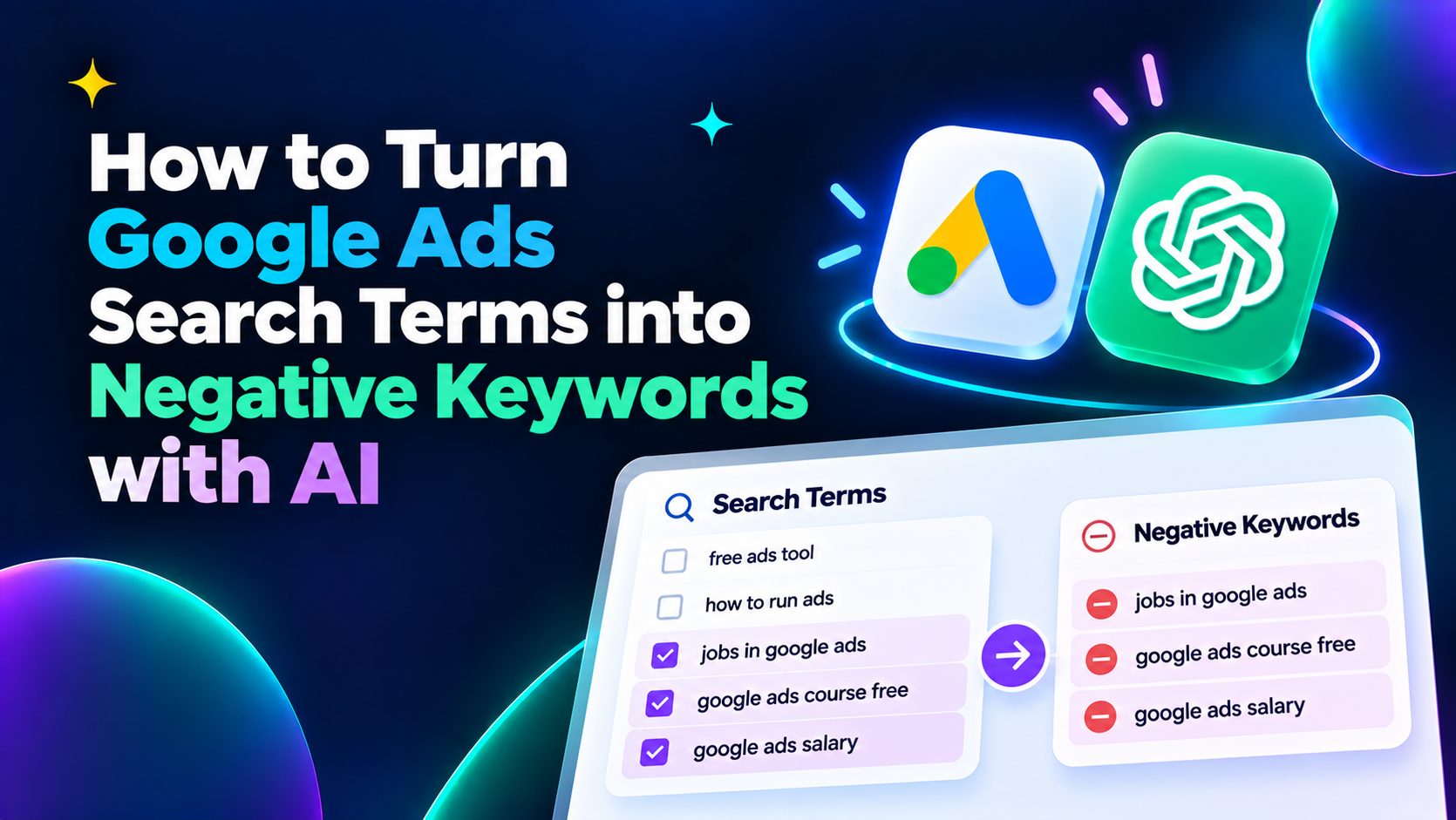
Learning How to Turn Google Ads Search Terms into Negative Keywords with AI can make search campaign optimization faster and more systematic. Instead of manually reviewing hundreds of queries one by one, AI can help classify search intent, identify irrelevant search terms, surface wasted ad spend, and organize potential exclusions for human review.
The goal is not to let AI block search queries automatically without context. The better workflow is to use AI to analyze your Google Ads Search Terms Report, identify negative keyword candidates, recommend an appropriate keyword match type, and explain why each term may deserve exclusion.
Key Takeaways
- Use the Google Ads Search Terms Report as the main source for finding negative keyword opportunities.
- AI can classify large numbers of search terms faster than manual review.
- Search intent matters as much as clicks, CPC, CPA, and conversions.
- Not every zero-conversion query should become a negative keyword.
- Negative broad, phrase, and exact match behave differently from positive keyword match types.
- Review AI suggestions before applying them to a live search campaign.
- Repeated negative keyword audits can reduce wasted ad spend and improve traffic quality.
What Are Google Ads Search Terms?
Google Ads search terms are the actual queries people entered into Google before seeing or clicking your ads. But users could reach your ad through queries such as:
- project management software for agencies
- free project management templates
- project management jobs
- best project management platform
- project management certification
Some of these searches may match your business. Others may have completely different intent.
The Search Terms Report shows the queries that triggered your ads and gives you the data needed to judge relevance, traffic quality, and commercial value. For a broader view of budget planning, you can also explore Google Ads cost benchmarks to better understand CPC, CPA, and overall advertising costs before adjusting campaign spend.
What Are Negative Keywords in Google Ads?
Google Ads negative keywords prevent ads from being triggered by selected words or phrases.
If a search is clearly irrelevant to your offer, adding an appropriate negative keyword can stop your ads from continuing to appear for similar unwanted searches.
For example, a paid SaaS product might identify searches containing:
- free download
- jobs
- salary
- certification
- course
- definition as potentially irrelevant.
That is why effective negative keyword management requires more than simply looking for predefined bad words.A successful How to Turn Google Ads Search Terms into Negative Keywords with AI strategy should consider both query relevance and the potential impact of each exclusion.
Why Review the Search Terms Report Regularly?
Search campaigns continuously generate new queries. Broad match and other matching systems can expand reach, but they also increase the need to monitor which queries are actually producing valuable traffic.
Regular search term reviews can help identify:
- irrelevant searches
- informational queries with weak commercial intent
- competitor terms
- high-cost queries with no conversions
- repeated low-quality themes
- unexpected valuable queries
- mismatches between ads and user intent
A strong How to Turn Google Ads Search Terms into Negative Keywords with AI workflow should therefore be recurring rather than a one-time cleanup task.
How AI Helps Find Negative Keywords
The biggest advantage of search term analysis with AI is scale. A human can easily recognize that “Google Ads specialist jobs” may not be relevant to a SaaS campaign. The challenge comes when the Search Terms Report contains hundreds or thousands of different queries.
It can then combine those classifications with performance metrics such as clicks, cost, conversions, CPC, CPA, and conversion rate.
This is why How to Turn Google Ads Search Terms into Negative Keywords with AI works better when the model receives both semantic context and performance context.
How to Turn Google Ads Search Terms into Negative Keywords with AI Step by Step
A reliable How to Turn Google Ads Search Terms into Negative Keywords with AI workflow should combine Google Ads performance data, AI classification, and human approval.
| Step | What to Do |
|---|---|
| 1. Open the Search Terms Report | Open the Search Terms Report for the campaign or ad group you want to analyze. Choose a useful reporting window, such as the last 30 days, while considering conversion volume and the length of your sales cycle. |
| 2. Export Relevant Search Term Data | Do not analyze query text alone. Where available, include:
|
| 3. Ask AI to Classify Search Intent | The next stage in How to Turn Google Ads Search Terms into Negative Keywords with AI is intent classification. “Analyze these Google Ads search terms. Classify each query as high commercial intent, relevant informational intent, low commercial intent, competitor intent, irrelevant, or unclear. Use the campaign and ad group context before making a decision.” This prevents AI from judging every query in isolation. |
| 4. Identify Irrelevant and Low-Value Queries | Combine intent with performance. Potential negative keyword candidates can include queries that are:
|
| 5. Use Performance Data to Find Wasted Ad Spend | A useful How to Turn Google Ads Search Terms into Negative Keywords with AI process should prioritize terms with enough data to support a decision. Instead of asking: “Which search terms have zero conversions?” ask: “Identify search terms with enough traffic or spend to evaluate meaningfully. Prioritize terms that are irrelevant, have spent significantly above the campaign average without converting, or repeatedly show weak commercial intent.” This gives AI a decision framework rather than a simple filter. |
Choose the Right Negative Keyword Match Type
Finding the term is only half of the process.The next decision is how broadly you want to block it. Choosing the correct match type is a critical part of How to Turn Google Ads Search Terms into Negative Keywords with AI, because overly broad exclusions can remove valuable traffic.
Negative Broad Match
Negative broad match can exclude searches containing all words in the negative keyword, even when their order changes.
Negative Phrase Match
Negative phrase match focuses on searches containing the negative phrase in the specified order.
Negative Exact Match
Negative exact match is useful when one specific query is problematic but related searches could remain valuable.
Understanding these differences is essential when applying How to Turn Google Ads Search Terms into Negative Keywords with AI, because an overly broad exclusion can remove qualified traffic together with unwanted searches.
Ask AI to Recommend Match Types
Do not stop after asking AI which queries should be excluded. Ask for a recommended match type too.
For example:
“From these search terms, create a negative keyword candidate list. For each term, recommend negative broad, phrase, or exact match. Explain what searches could potentially be blocked and flag any recommendation that could accidentally remove relevant traffic.”
For a deeper performance review, learn how to analyze Google Ads data and use campaign metrics to identify trends, inefficiencies, and optimization opportunities.
Campaign-Level vs. Ad Group-Level Negative Keywords
Another important decision is where the negative keyword should apply. A query can be irrelevant to one ad group but useful elsewhere. For example, suppose a Google Ads account has separate campaigns for:
- Facebook Ads optimization
- Google Ads optimization
- Instagram Ads optimization
A term related to Instagram may be irrelevant to the Google Ads-specific ad group but completely valid elsewhere. This is another area where How to Turn Google Ads Search Terms into Negative Keywords with AI requires account context, because the same query may have different value across campaigns or ad groups.
Review AI Suggestions Before Applying Them
AI should help prioritize decisions, not make targeting decisions without review. Human review remains an essential part of How to Turn Google Ads Search Terms into Negative Keywords with AI, especially when broader negative match types could block valuable traffic.
Before adding an AI-generated negative keyword, check:
- Is the search actually irrelevant?
- Could it convert with more data?
- Does it reflect a valuable long-tail query?
- Could the negative block profitable searches?
- Is the match type too broad?
- Should it apply to one ad group or the whole campaign?
- Does the landing page currently serve the intent?
This human review step is especially important because excluding the wrong term can reduce qualified traffic and conversion opportunities.
How to Automate Negative Keyword Audits
The next level of negative keyword automation is making search term analysis repeatable. A scalable How to Turn Google Ads Search Terms into Negative Keywords with AI workflow should combine recurring search term reviews, AI classification, approval steps, and performance monitoring.
A recurring workflow might:
- Pull recent Search Terms Report data.
- Filter terms with meaningful clicks or spend.
- Use AI to classify search intent.
- Flag irrelevant or inefficient queries.
- Recommend negative keywords.
- Assign match types.
- Send the list for approval.
- Apply approved negatives.
- Monitor future campaign performance.
For larger accounts, How to Turn Google Ads Search Terms into Negative Keywords with AI becomes much more valuable when this review happens regularly instead of only when campaign performance declines.
AI vs. Manual Negative Keyword Management
Manual reviews give marketers direct control and business context, but they become difficult as account size grows.
AI can speed up:
- query categorization
- intent recognition
- pattern discovery
- prioritization
- keyword clustering
- match type recommendations
- recurring negative keyword audits
Human marketers remain better positioned to understand:
- business priorities
- changing offers
- product positioning
- strategic competitor targeting
- unusual conversion journeys
- brand-specific language
The strongest workflow combines AI speed with human judgment. In practice, How to Turn Google Ads Search Terms into Negative Keywords with AI works best when AI handles large-scale classification while marketers retain control over final exclusions.
Using WASK for Google Ads Optimization
WASK helps advertisers analyze and optimize Google Ads campaigns from a centralized platform, while optimization workflows can help surface opportunities such as unnecessary keywords and negative search term optimization.
Instead of treating negative keyword management as an isolated task, marketers can connect it with campaign performance, budget decisions, conversion data, and other optimization signals.
Turn Search Term Data Into Better Google Ads Decisions
Understanding How to Turn Google Ads Search Terms into Negative Keywords with AI creates a feedback loop between what users actually search for and how your campaigns evolve.
Start with the Search Terms Report. Add performance context. Use AI to classify intent and identify possible wasted ad spend. Then choose the right negative match type and review every recommendation before applying it.
Frequently Asked Questions
Can AI identify negative keywords from Google Ads search terms?
Yes. How to Turn Google Ads Search Terms into Negative Keywords with AI relies on using AI to classify queries by relevance, search intent, performance, and recurring themes. The resulting negative keyword candidates should still be reviewed before implementation.
What data should I give AI for negative keyword analysis?
Include search terms plus campaign context and performance metrics such as clicks, cost, conversions, CPC, CPA, conversion rate, and conversion value where available.
Should every search term with zero conversions become a negative keyword?
No. Conversion volume, spend, clicks, intent, sample size, and campaign goals should all be considered before excluding a query.
Which negative keyword match type should I use?
It depends on how broadly you want to exclude the query. Negative broad, phrase, and exact match provide different levels of control.